
The Vibe Coding Encyclopedia: Top Platforms, Terms to Know, and More
Your Guide to the World of Vibe Coding
There was a time when “building something” at a company meant calling IT, filing a ticket, and waiting six months for a prototype. If you didn’t know how to code, your ideas lived and died in a Google Doc.
That time is over. We’ve entered the era of vibe coding.
Vibe coding represents a shift away from focusing on how something is built, toward what is being built. It enables non-developer professionals — whether managers, marketers, or founders — to develop functional software, polished designs, and complex workflows simply by describing the desired outcome or “vibe.” You provide the intent; AI handles the execution.
One key thing to understand about vibe coding is that it has limits, which you might come up against sooner than you expect if you don’t know how to really maximize each tool.
For help navigating AI technologies, to get a vibe-coded prototype built for the “real world,” or to otherwise bring your technical vision to life, get in touch with our team. We’d love to hear about what you want to build.
What Is Vibe Coding, Exactly?
If you’re new to this, think of Vibe Coding as Natural Language Programming. You aren’t writing lines of Python or JavaScript; you’re giving a “vibe check” to an AI agent.
- The Intent: You describe a problem, a vision, or instruction in plain English.
- The Build: An AI “agent” interprets your words and builds the underlying files, logic, and design.
- The Infrastructure: While much of the technical setup is abstracted, your project still relies on real infrastructure — like databases and hosting — often managed by the platform you’re using.
As your project grows, you may need to pay closer attention to how things are structured behind the scenes or involve a developer to ensure everything scales smoothly.
Terms to Know
Before diving into the platforms, here’s a quick glossary of terms you’ll encounter throughout this guide and in the vibe coding world at large.
If you want to get straight to comparing platforms, skip on ahead.
Agent — An AI that doesn’t just answer questions but takes actions on your behalf. In vibe coding, agents can plan file structures, write code, install software packages, run tests, and even deploy your app — all from a single prompt.
Frontend — The part of an app that users see and interact with: buttons, menus, layouts, and visual design. When a platform says it builds “UI,” it means the frontend.
Backend — The hidden “brain” behind an app that handles data storage, user logins, payment processing, and business logic. Users never see the backend directly, but it powers everything.
Full-Stack — An application (or platform) that handles both the frontend and the backend. A “full-stack app builder” means you can go from idea to complete, working product in one place.
Framework — A pre-built toolkit that developers use to build apps faster. When you see names like React, Next.js, Vite, or Remix, those are frameworks. You don’t need to learn them — the AI handles that part — but knowing they exist helps you understand what your project is built on.
React — The most popular framework for building user interfaces on the web. Many vibe coding platforms generate React code because it’s the industry standard that developers are most likely to know when they pick up your project.
Database — Where your app stores its information permanently. User profiles, product listings, order history — all of it lives in a database. Supabase and Firebase are popular database services that many vibe coding platforms connect to automatically.
Supabase — An open-source database and authentication service that many vibe coding platforms (Lovable, Base44, and others) use as their default backend. Think of it as the filing cabinet your app writes to.
Deployment — The process of making your app available on the internet so other people can use it. Before deployment, your app only exists on your screen; after, it has a live web address.
Repository (Repo) — A folder that stores all of your project’s files and tracks every change made to them over time. GitHub is the most popular place to host repositories. When a platform says it “syncs to GitHub,” it means your code is being saved in a shared, version-controlled location a developer can access.
Pull Request (PR) — A formal request to merge new code into a project. When an AI agent like Devin finishes its work, it submits a Pull Request so a human can review and approve the changes before they go live.
API — A way for two pieces of software to talk to each other. When a platform says it “integrates with the Shopify API,” it means it can connect to Shopify’s system to read or send data — like pulling in product listings or processing orders.
IDE (Integrated Development Environment) — “IDE” stands for Integrated Development Environment: a specialized text editor designed for writing and managing code. Think of it as Microsoft Word, but for programming. Cursor and Windsurf are AI-powered IDEs.
MCP (Model Context Protocol) — An open standard, originally created by Anthropic and now adopted broadly across the AI industry, that lets AI tools connect to outside services and data sources. When Stitch says it has an “MCP server,” it means other AI tools (like Cursor or Claude Code) can plug into it directly.
Design Tokens — A set of saved design decisions — colors, fonts, spacing, border radius — that keep your entire app looking consistent. When a platform exports “design tokens,” it’s packaging your visual style into reusable rules a developer can apply everywhere.
The List: 10 Vibe Coding Platforms Sorted by Category
UI-Focused Generators
These platforms excel at turning visual descriptions or sketches into high-end user interfaces and polished design assets.
1. Stitch by Google | Google’s “Vibe Design” platform.
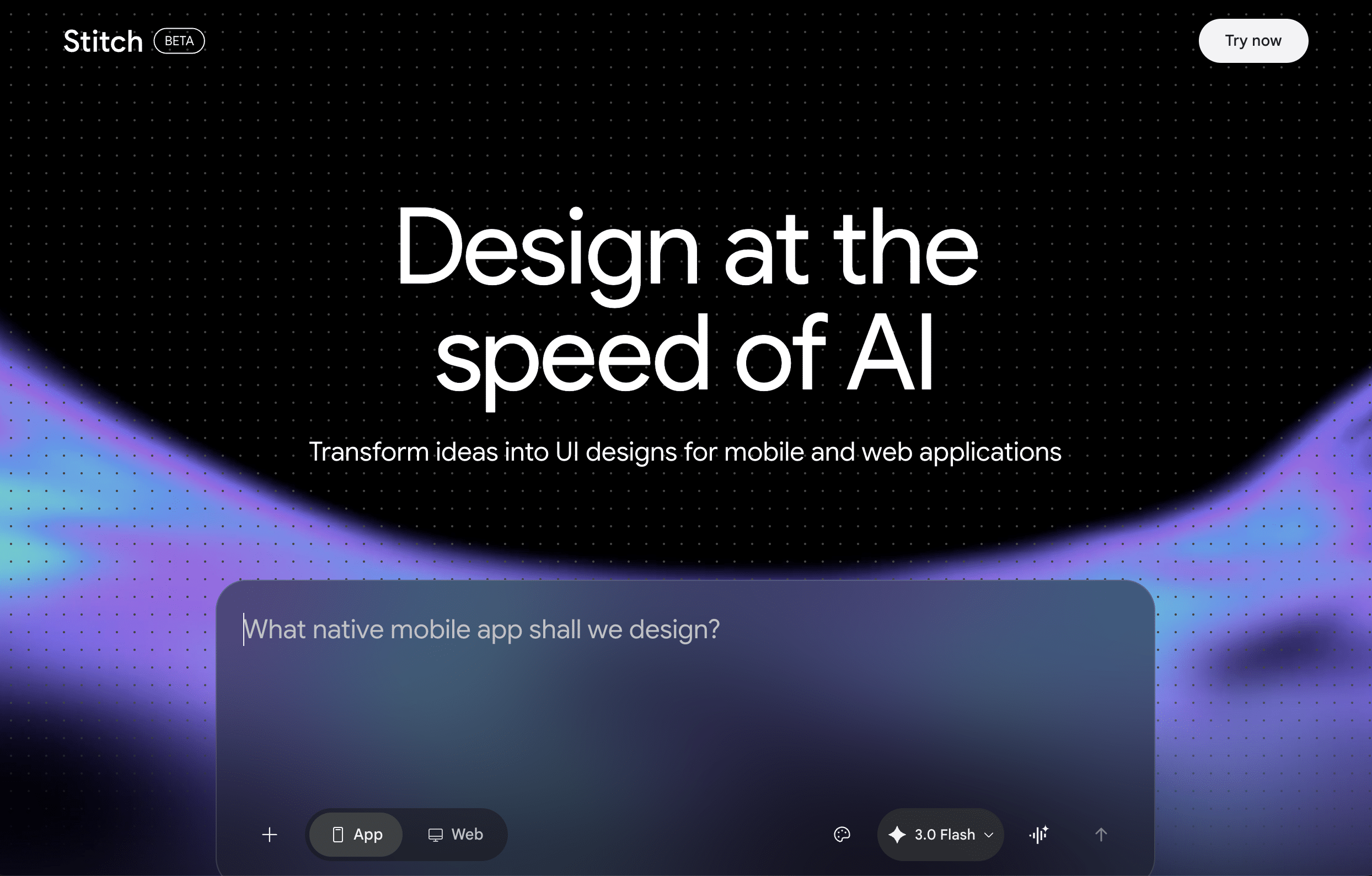
Stitch lets you talk directly to your canvas. You can give voice commands like “make this more minimalist” or “shift the primary action to the top right,” and the AI adjusts layout, spacing, and component structure in real time. It can even interview you about your project and generate screens from the conversation. What sets Stitch apart from other tools on this list is its explicit focus on the design handoff — it’s built to be the bridge between a non-technical creator’s vision and the developer who brings it to life.
Platform note: Stitch has migrated from Firebase Studio (formerly Project IDX) to Google AI Studio. Firebase Studio is being sunset in March 2027. Access Stitch at aistudio.google.com.
- What it Builds: Clean HTML, CSS, and Tailwind code exported directly from every design. Its React Components skill can also convert designs into modular, typed React components — complete with organized file structures, design tokens, and reusable hooks — giving a developer a structured starting point rather than a blank slate. It also generates a DESIGN.md file, a plain-text instruction manual that captures your design rules and intent for whoever builds the app.
- Data & Deployment: Stitch is a design handoff tool, not a deployment tool. You can export directly to Figma, push components to a project repository, or connect Stitch to coding tools like Cursor or Claude Code through its SDK and MCP server.
- Pricing: Currently free via Google AI Studio (as of 3/31/2026).
- Limitations: Stitch won’t create databases, handle user logins, or process payments — you will always need another platform or a developer to turn a Stitch design into a functioning application. The React export also requires using the agent skills system, which is a more developer-oriented workflow than a one-click button.
2. v0 by Vercel | Polished website components and high-end user interfaces.
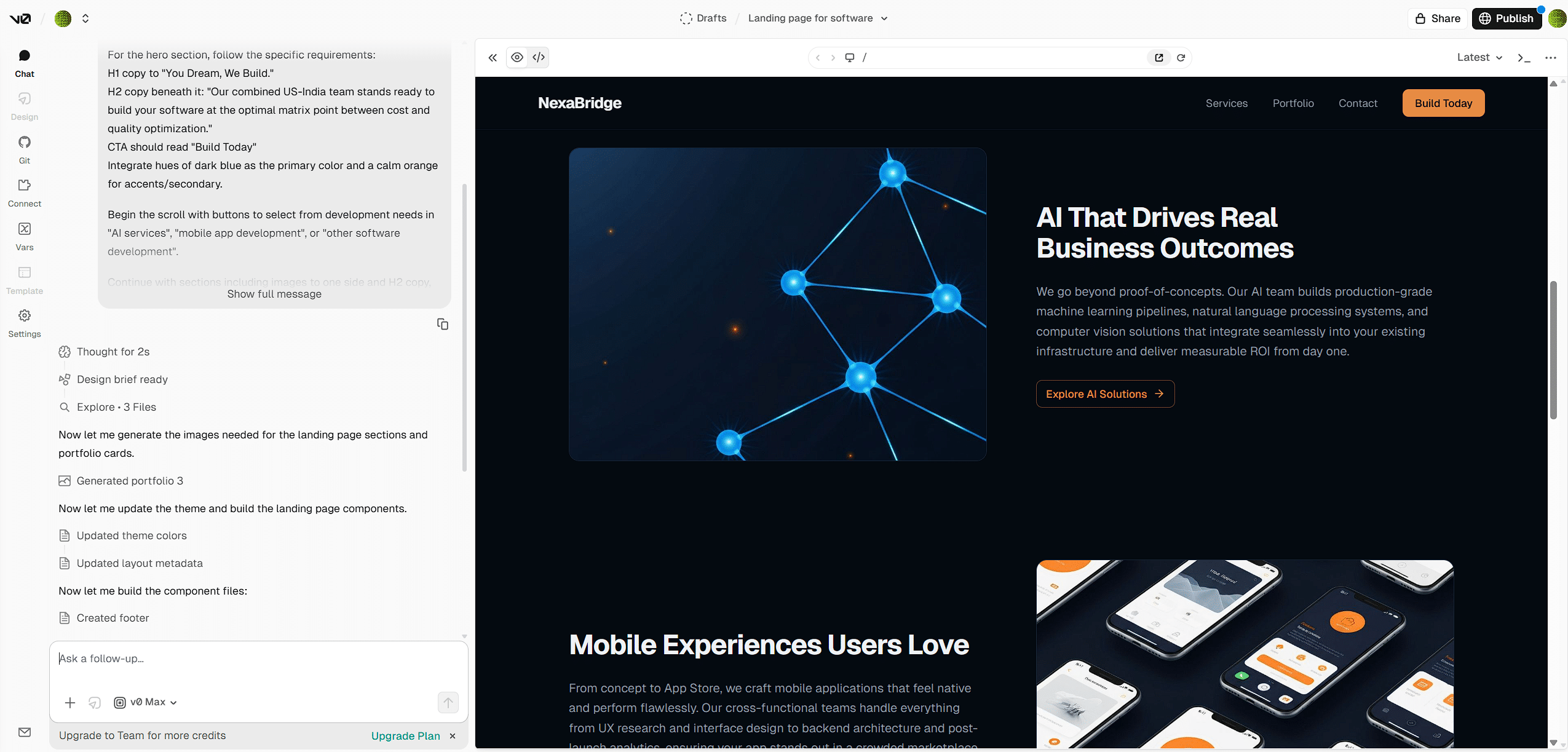
v0 responds to plain-English descriptions of the interface you want — for example, “Create a landing page with a hero section and sign-up form” — and builds it immediately. It’s the strongest option on this list for generating a production-quality frontend fast, and its tight integration with Vercel means going from a prompt to a live URL takes minutes. It’s best suited to people who have a clear visual outcome in mind and want clean, developer-ready code on the other side.
- What it Builds: Production-ready React and Next.js components styled with Tailwind, scaffolded from your prompt. Pages, layouts, and design elements are generated automatically, giving you a complete frontend codebase ready to customize or hand off.
- Data & Deployment: v0 can be connected to external services like Supabase for data storage, though this requires manual setup rather than a native one-click integration. The app deploys on Vercel by default, and the code is saved to your project repository so a developer can pick it up and extend it easily.
- Pricing: Free tier (7 messages/day); Team at $30/user/mo; Business at $100/user/mo; Enterprise custom.
- Limitations: v0 is a frontend tool. If your app needs complex backend logic — payment processing, user authentication, or database management — you’ll need to connect external services or bring in a developer. Vague prompts also tend to produce generic results; the more precisely you describe what you want, the better the output.
Full-Stack App Builders
These are the “all-in-one” shops that build both the front-facing website and the hidden “brain” (the database) that stores your information.
3. Lovable | Full-stack web applications from scratch for the “Idea to App” pipeline.
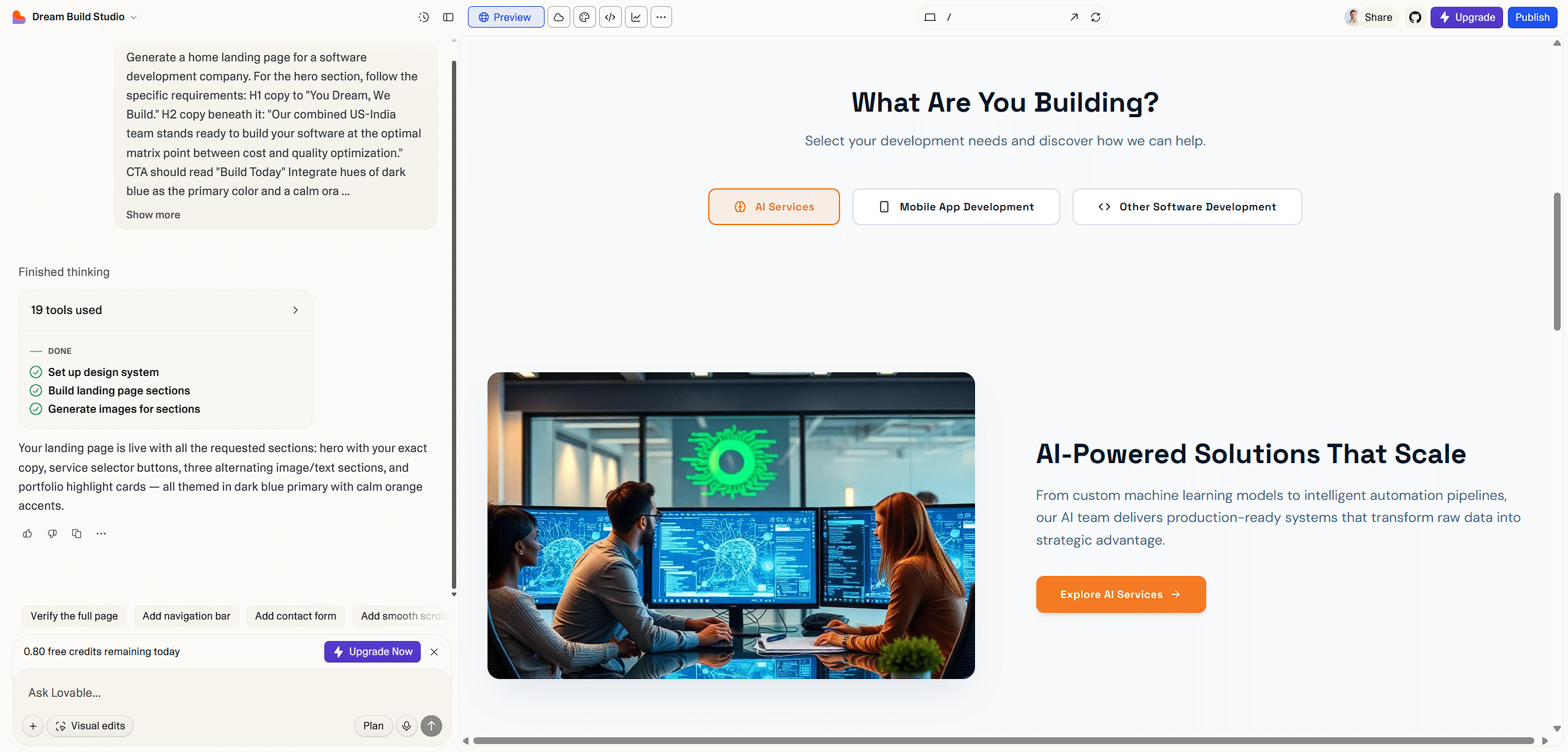
Lovable is the most design-forward of the full-stack builders. You describe a complete business idea — “Build a marketplace for vintage cameras with user profiles and a search bar” — and it scaffolds the entire multi-page application architecture instantly. It’s a great choice when you need something that looks genuinely polished and needs to impress, whether that’s a prototype for investors, a customer-facing product, or an internal tool where presentation matters.
- What it Builds: Production-ready React code using the Vite framework with Tailwind CSS. The code is modular and follows modern best practices, making it straightforward for a developer to read, extend, or take over.
- Data & Deployment: Lovable has a native integration with Supabase that automatically handles database schema and authentication logic when you ask it to store data (note: Supabase backend support is currently in alpha). You can deploy to the web or sync to GitHub with one click, with support for custom domains.
- Pricing: Free tier (30 credits/mo); Pro at $25/mo shared across unlimited users; Business at $50/mo; Enterprise custom. Student discounts available.
- Limitations: Lovable’s visual output is its calling card, but its backend capabilities lag behind Replit’s. For apps that need heavy server-side logic — complex API integrations, scheduled tasks, or multi-step data processing — you may hit walls. It’s best suited for prototypes and customer-facing tools where design matters most.
4. Base44 (Wix) | Highly accessible option for non-technical creators.
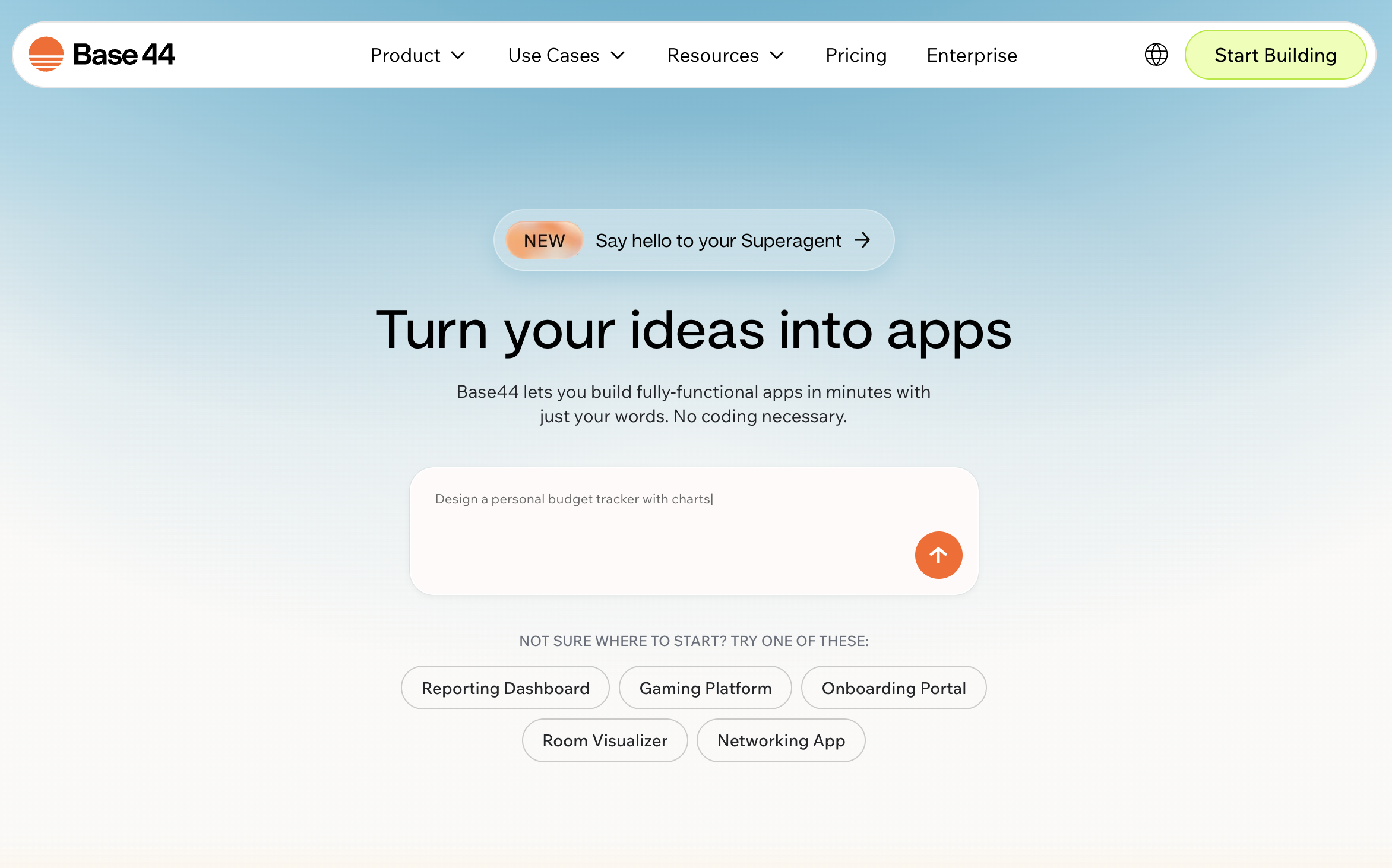
Base44 is the closest thing on this list to a website builder, in the best sense. You describe the app you want — “A booking system for my salon with appointment reminders and client profiles” — and its chat-based interface walks you through refining the idea before building it. The experience is deliberately approachable: there are no file structures to navigate, no terminal to open, and no code to read. It’s the platform to reach for when the goal is a working app in the hands of real users as quickly as possible.
- What it Builds: A complete application with database, storage, authentication, analytics, and integrations out of the box. It supports email, SMS, maps, and payment processing natively. As of February 2026, you can also publish directly to the Apple App Store and Google Play — you export a store-ready bundle and submit through your own Apple/Google developer accounts, a feature most vibe coding platforms still don’t offer.
- Data & Deployment: Base44 handles hosting and data storage internally, keeping everything in one place. A Gmail integration is available for apps that need to send or track email.
- Pricing: Free tier (25 messages/mo); Starter at $16/mo; Builder at $40/mo; Pro at $80/mo; Elite at $160/mo (all billed annually).
- Limitations: Base44’s simplicity is both its strength and its ceiling. Advanced developers will find less control over the underlying code compared to platforms like Replit or v0. Enterprise-grade security features are still on the roadmap, making it better suited for MVPs, internal tools, and small business apps than mission-critical systems.
5. Bolt | Rapid full-stack prototyping entirely in browser, no local setup required.
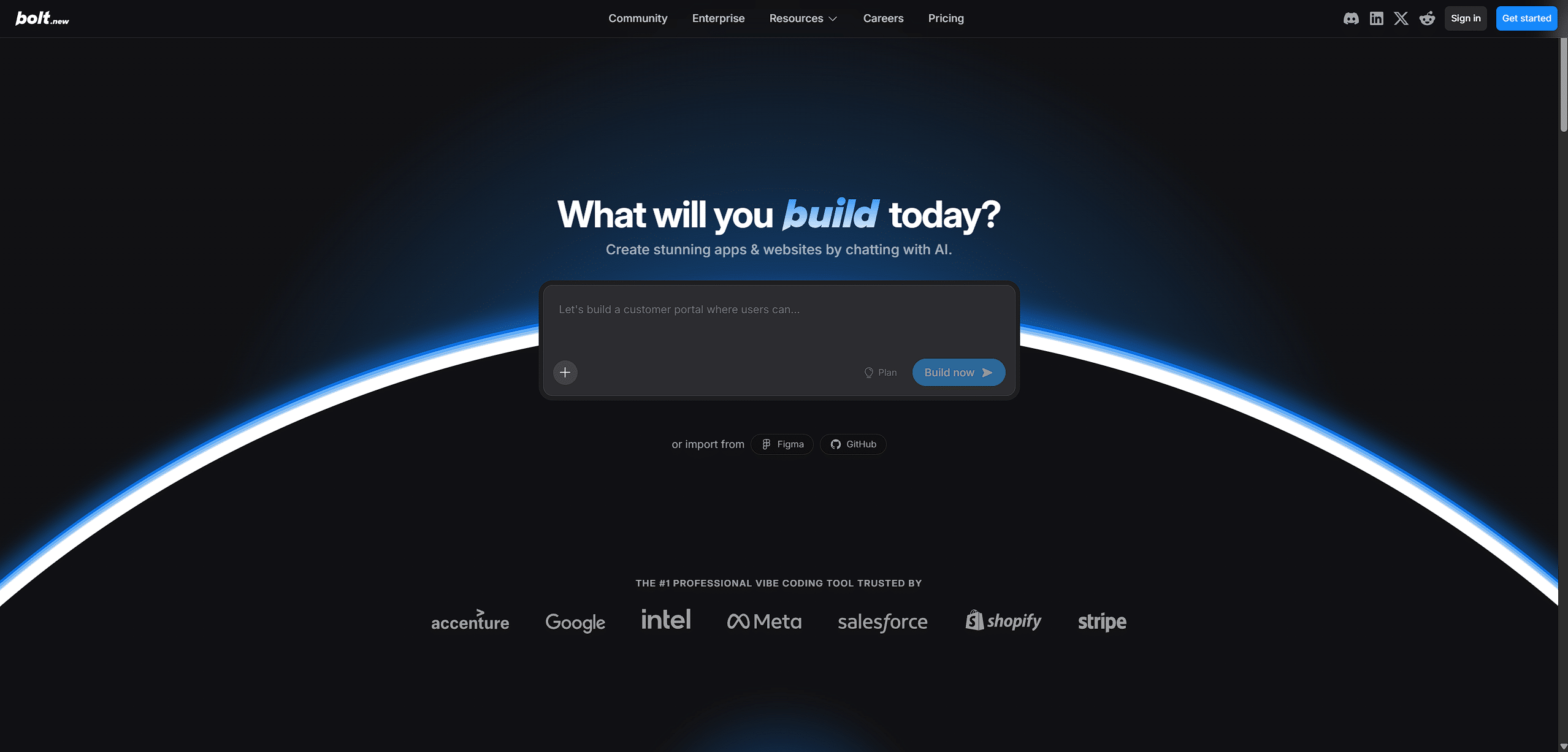
Bolt is built on WebContainers technology — a system that runs a full Node.js development environment directly inside your browser tab, with no installation, no terminal, and no local machine involved. You describe an app, and Bolt builds and runs it live as you prompt. It occupies similar territory to Lovable and Replit but distinguishes itself through sheer immediacy: there’s nothing to configure before you start, and the result is visible in seconds. It’s the fastest path from a blank page to a running prototype.
- What it Builds: Full-stack web applications using React, Vite, and Tailwind, generated and executed entirely in the browser. It supports file creation, package installation, and live preview in a single environment — no separate build step required.
- Data & Deployment: Apps are hosted on Bolt’s infrastructure by default, with custom domain support on paid plans. You can also export the project to GitHub at any point, making it straightforward to hand off to a developer or migrate to your own hosting.
- Pricing: Free tier (1M tokens/mo, 300K daily limit, Bolt branding on sites); Pro at $25/mo (10M tokens/mo, no daily limit, token rollover, custom domains, AI image editing); Teams at $30/user/mo; Enterprise custom. Note: token consumption scales with project size — larger codebases use more tokens per message.
- Limitations: The token-based model means costs can creep up as your project grows, and the free tier’s daily limit is easy to hit on a complex build. Like Lovable, Bolt is optimised for frontend-heavy apps — projects requiring heavy server-side logic or complex custom backends may hit the ceiling faster than they would on Replit.
6. Replit Agent | Building applications with backend logic.
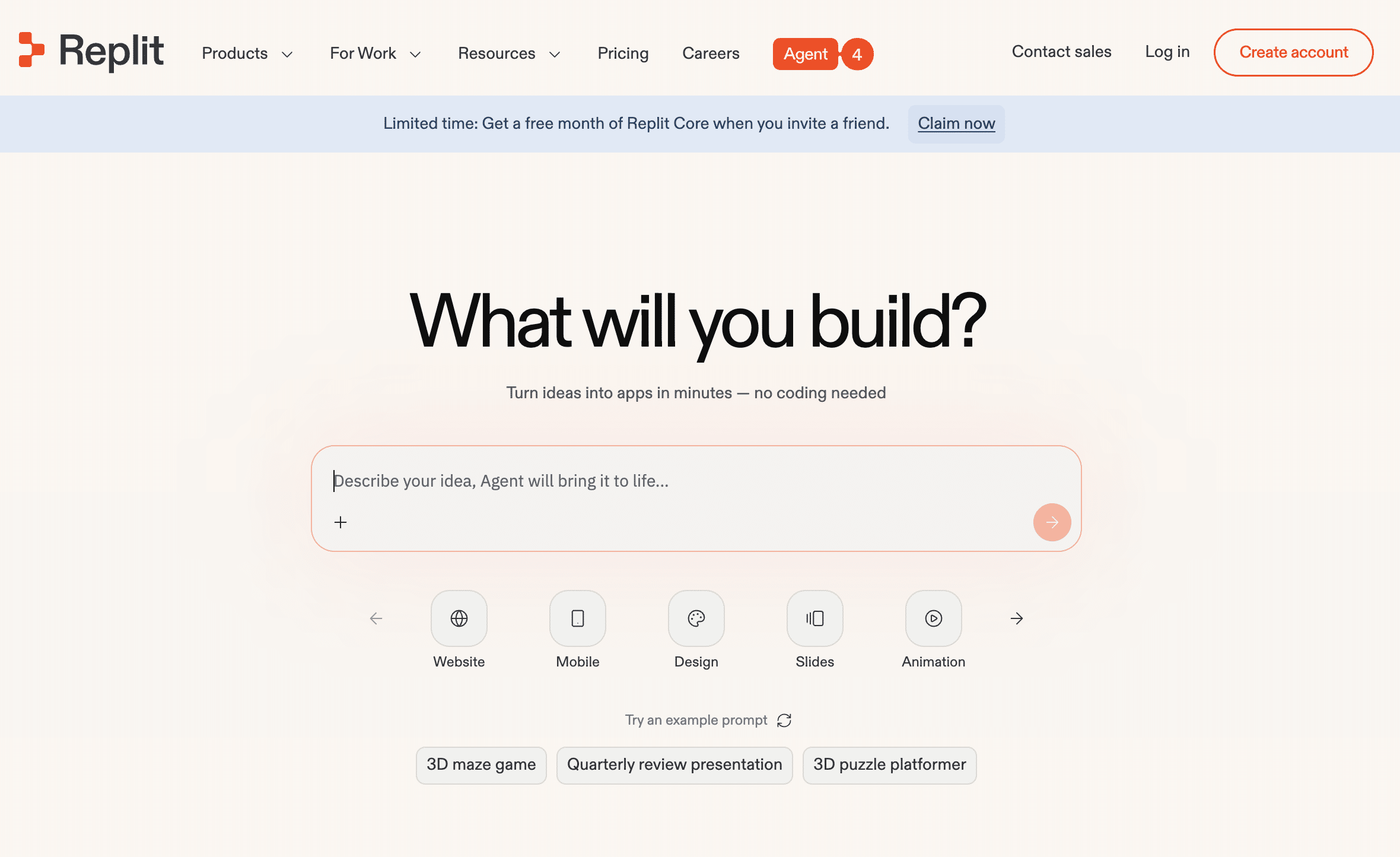
Replit Agent is the most feature-complete of the full-stack builders when it comes to backend power. You give it a goal for a functional tool — “Build a CRM that connects to my email and tracks leads” — and it autonomously plans the file structure, installs the necessary packages, and starts coding. Uniquely, your app is live and running from the moment you start, so you can watch it take shape in real time rather than waiting for a build to finish.
- What it Builds: Full-stack JavaScript/TypeScript applications (typically using Express or Next.js) within a live container. The Agent can self-correct, running its own code to find and fix bugs as it builds — making it the most autonomous of the app builders when things go sideways.
- Data & Deployment: Uses Replit’s built-in Database and Auth tools for an all-in-one experience. The app is deployed and live immediately, allowing you or a developer to monitor server logs and status from the start.
- Pricing: Free Starter tier (limited agent credits); Core at $20/mo ($17 billed annually); Pro at $100/mo ($95 billed annually); Enterprise custom.
- Limitations: When things break, the debugging experience can be intimidating for non-technical users — you may encounter terminal output and error messages that require interpretation. It’s also a walled garden: your app runs on Replit’s infrastructure, and migrating to your own hosting later takes meaningful effort.
AI-Powered IDEs
These are high-powered “editors” used to manage existing codebases or build complex, multi-file systems with deep AI assistance. These tools are designed for people who already write code.
7. Cursor | A high-powered code editor that helps iterate on & extend existing projects.
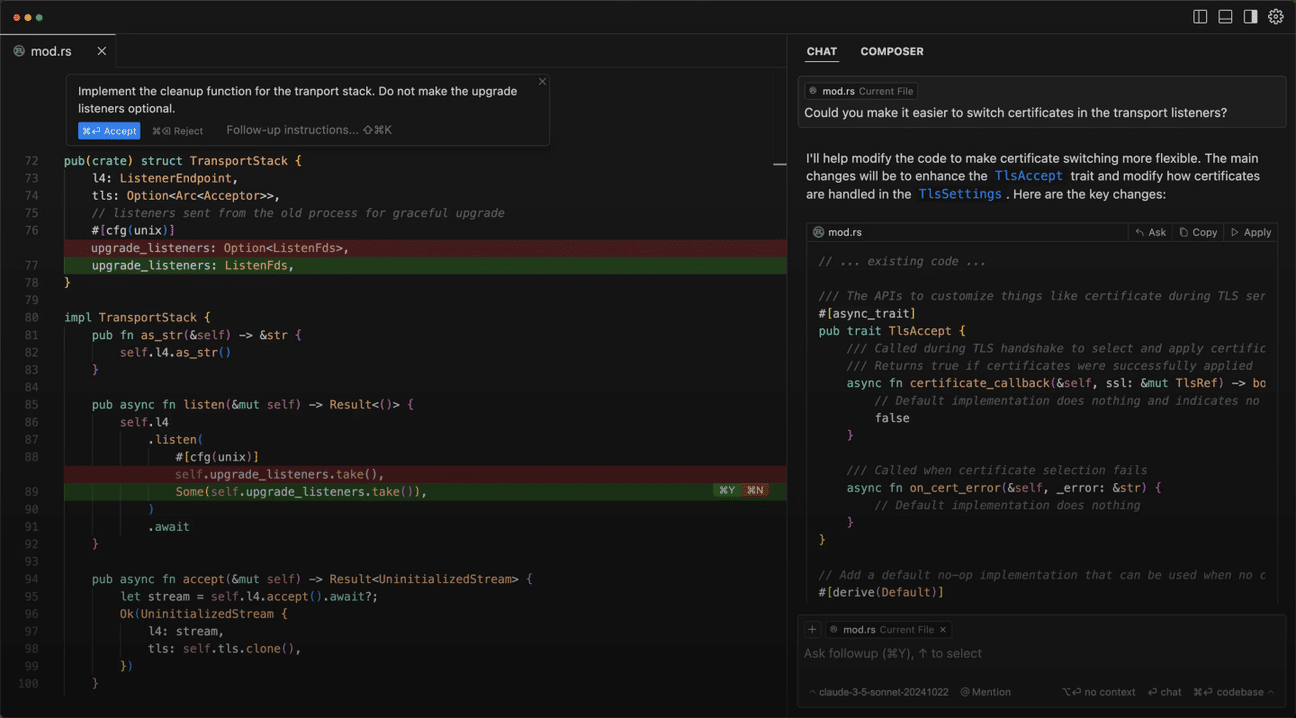
Cursor is a fork of VS Code — the most popular code editor in the world — with AI built directly into the editing experience. Rather than starting from a blank prompt, you describe changes to code that already exists: highlight a block and say “Refactor this to use a more modern layout,” and Cursor rewrites it in context, matching the style and logic of the surrounding files. It’s the tool of choice for professional developers who want to move faster inside a codebase they already own.
- What it Builds: Industry-standard code that fits seamlessly into whatever project it’s working on. It indexes your entire codebase, so anything it generates or modifies matches your existing architecture, naming conventions, and style.
- Data & Deployment: Works with whatever infrastructure you already have — AWS, Firebase, Supabase, or anything else. The Diff view lets developers see exactly what the AI changed before committing, making the review process clean and transparent.
- Pricing: Free Hobby tier (limited agent requests); Pro at $20/mo; Pro+ at $60/mo (3x usage on frontier models); Ultra at $200/mo (20x usage); Teams at $40/user/mo.
- Limitations: Cursor requires an existing codebase to shine — it isn’t designed for building something from scratch the way Lovable or Replit are. Non-technical users will find the VS Code interface overwhelming. If you don’t already write code, this isn’t your starting point.
8. Windsurf | Understanding the “flow” of a project across multiple files, days, and tasks.
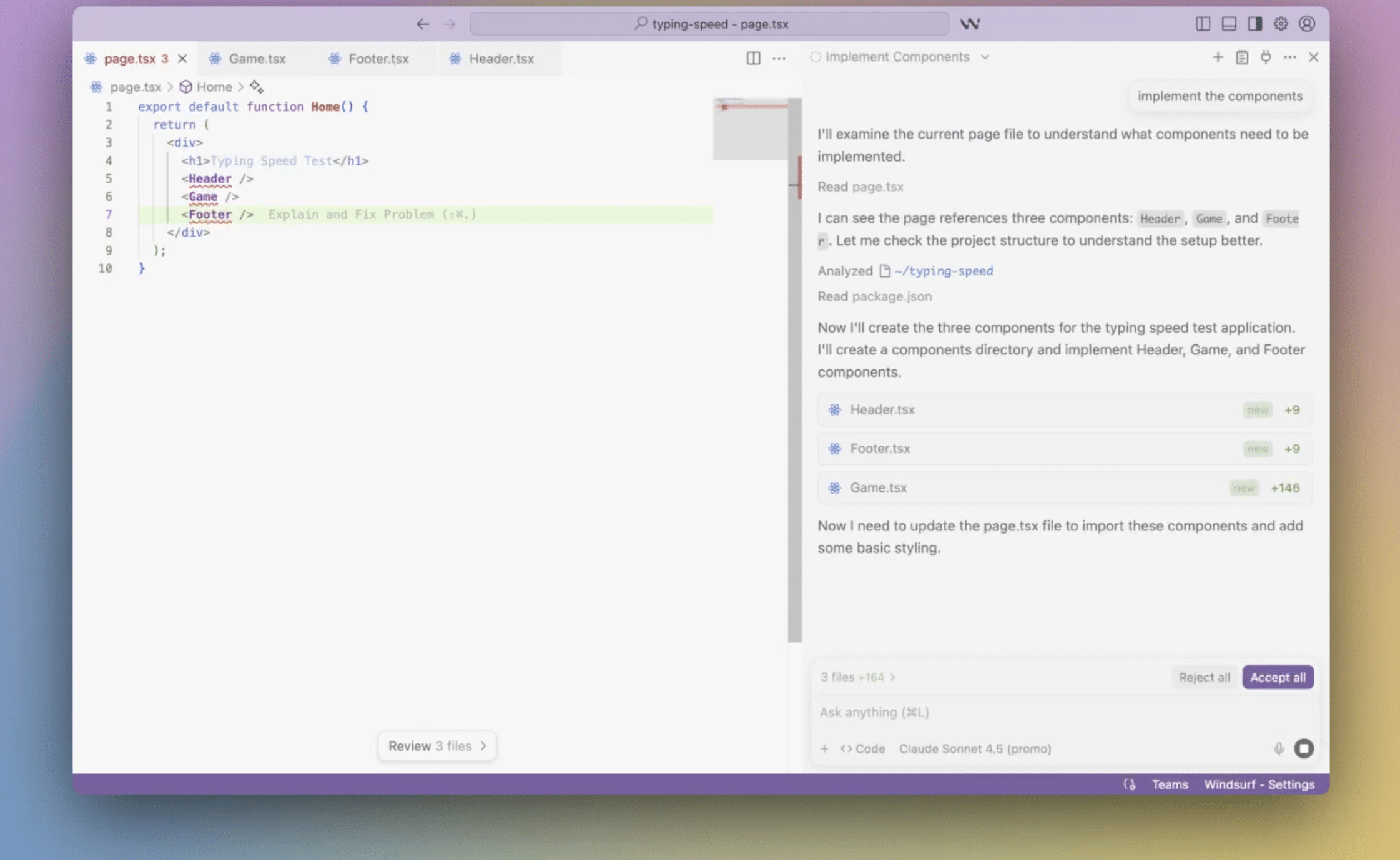
Where Cursor excels at targeted edits within an existing codebase, Windsurf is built for sustained, multi-day engineering work. Its “Flows” feature allows you to describe complex, multi-step goals — and rather than acting on individual files in isolation, Windsurf tracks how a change in one place (a database schema, for instance) ripples through the rest of the project. It’s the better choice when you’re managing the ongoing development of a complex system rather than making discrete improvements.
- What it Builds: High-fidelity, multi-file codebases. Its “Cascade” agent can create files, run terminal commands, and verify that code it just wrote actually works before moving on.
- Data & Deployment: Stores project context in “Memories” — structured notes explaining how the system is built — so developers (or the AI) can reference them later when taking over hosting and deployment decisions.
- Pricing: Free tier (limited daily/weekly quota); Pro at $20/mo; Max at $200/mo (significantly higher quotas); Teams at $40/user/mo; Enterprise custom.
- Limitations: Like Cursor, Windsurf assumes you’re comfortable with file structures, terminal commands, and how code fits together. It’s a newer entrant with a smaller community, so finding help online can be harder than with Cursor.
Agent-Based Builders
The cutting edge of Vibe Coding — these are autonomous “workers” that can take a goal and execute the engineering work independently.
9. Claude Code | Agentic coding and task automation directly from your terminal.
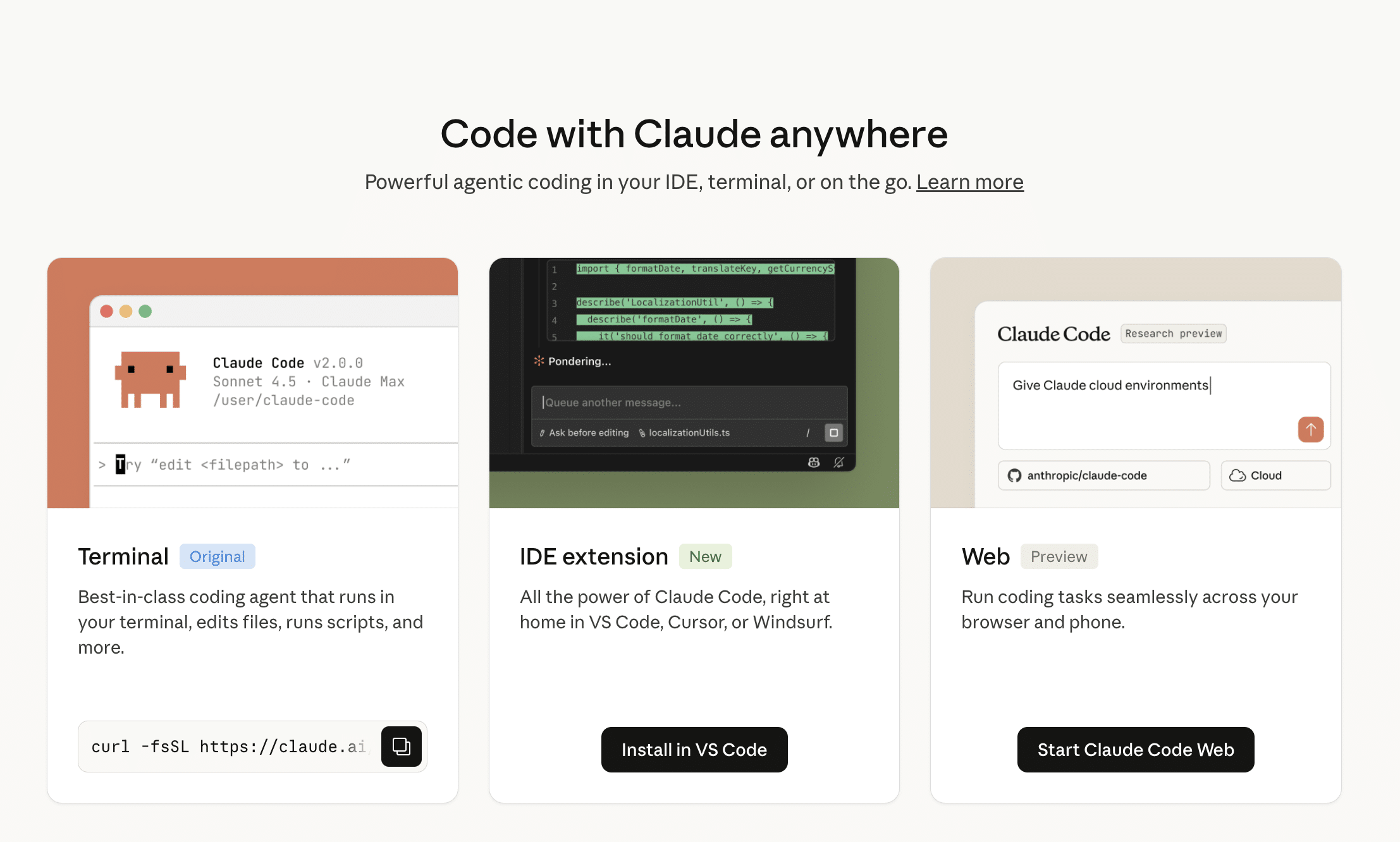
Claude Code sits at the intersection of AI assistant and autonomous agent. Rather than opening a separate tool, you work directly in your terminal: tell it to “Fix all the layout bugs in the login folder” or “Refactor this module to use the new API,” and it reads your local files, understands your project’s structure, and makes the edits — running your test suites and linting tools along the way to verify its work. For non-developers, Anthropic’s Cowork desktop app brings the same agentic capabilities to everyday knowledge work without requiring a terminal.
- What it Builds: Code that adheres to your project’s existing standards. Because it can run test suites, lint code, and execute shell commands locally, it ensures that anything it writes is functional and doesn’t break existing components.
- Data & Deployment: Everything runs on your local machine or within your company’s GitHub. A developer can review the full command history in the terminal to understand exactly what the AI changed and why. Your code never leaves your machine unless you choose to push it.
- Pricing: Included with Claude Pro ($20/mo); Max 5x plan at $100/mo; Max 20x plan at $200/mo. Also available on Team plans from $20/seat/mo (billed annually). Compute-heavy tasks draw from your usage allowance.
- Limitations: The terminal interface is a real barrier for non-technical users — this is a command-line tool, not a visual app builder. Even with Cowork as an alternative, the core product is designed for people already comfortable in a developer environment.
10. OpenAI Codex | Autonomous coding agent for complex engineering work.
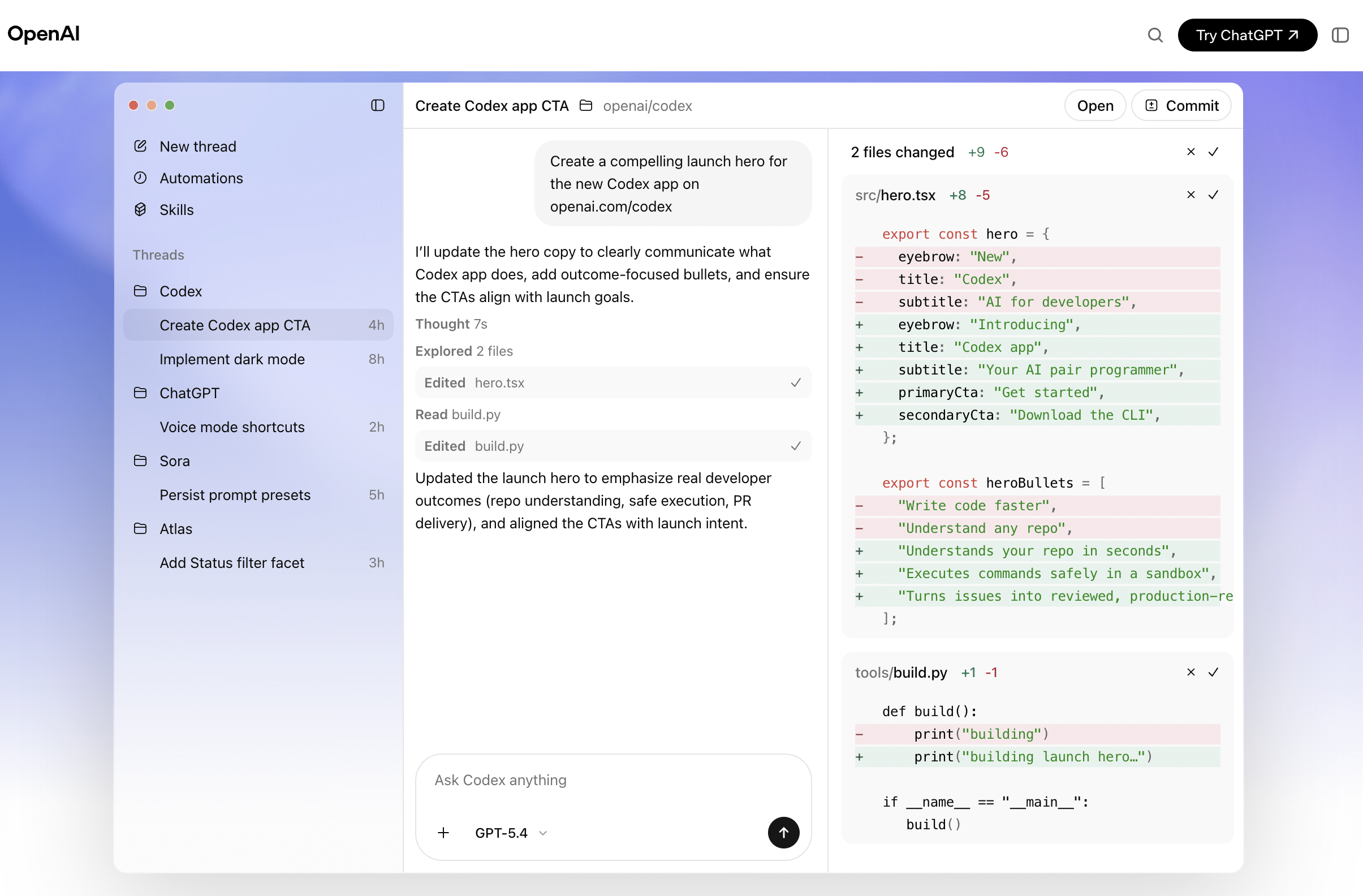
OpenAI Codex is the most developer-oriented tool on this list — and in benchmarks, one of the most capable. It’s accessible directly through the ChatGPT interface or via the API, and operates as an asynchronous agent: you assign it a task, it works in an isolated cloud sandbox with its own terminal and browser, and returns with completed code, pull requests, or detailed findings. Teams at companies like Cisco, Ramp, and Duolingo have used it to offload repetitive engineering work — PR reviews, test generation, refactoring — while staying focused on higher-order decisions.
- What it Builds: Professional-grade code across the full stack, powered by codex-1 — a version of OpenAI’s o3 model fine-tuned for software engineering. It’s particularly strong on reasoning-heavy tasks: complex algorithms, multi-service integrations, and architectural decisions where understanding how systems connect matters as much as writing the code. It shows strong performance on SWE-Bench Verified, an industry-standard benchmark for real-world software engineering tasks.
- Data & Deployment: Code is exported as modules that can be dropped into any project. Codex can work within existing GitHub repositories, submit Pull Requests, and slot into standard developer workflows. Output is production-ready and well-documented.
- Pricing: Available at no additional cost on ChatGPT Free and Go plans; included with Plus ($20/mo) and Pro ($200/mo) — Pro users receive 2x rate limits. API access via codex-mini-latest at $1.50/1M input tokens and $6/1M output tokens.
- Limitations: There is no visual chat-to-app experience — Codex is most powerful when connected to a GitHub repository and used by someone comfortable reviewing code. API pricing can be unpredictable on large tasks. OpenAI has noted elevated cybersecurity capability in this model’s system card and has added additional safeguards around its use accordingly.
Core Additional Notes
Beware Common Security Mistakes
Vibe Coding allows you to build at light speed, but moving from a prototype to a product with real users requires shifting your mindset from Builder to Protector. While AI is a brilliant architect, it’s often a distracted security guard.
To ensure your application’s integrity matches its innovation, prioritize these three pillars:
Secret Management: Never “hardcode” API keys or passwords. Use environment variables (like Replit or Vercel Secrets) to keep credentials out of public repositories.
Dependency Health: AI often suggests outdated libraries. Use automated scanners like Snyk or GitHub Dependabot to catch vulnerabilities before they go live.
Prompt Integrity: Protect against “prompt injection” attacks. A Human-in-the-Loop review of your system prompts and data access layers is essential for production-ready apps.
From “Scale Model” to Finished House
Vibe Coding creates a fantastic “scale model,” but a professional audit is what locks the doors. When you’re ready to transition to a seriously capable product, remember that your infrastructure isn’t magic—it’s just files in a folder.
You can save significant time and money by giving your developers a clear starting point: “I built the prototype in [Tool], the database is in [Service], and the code is synced to [GitHub].”
Ready to turn your “Vibe Code” into “Live Code”? Whether you need a security consultation or a full architectural review, reach out to us at Rubico.