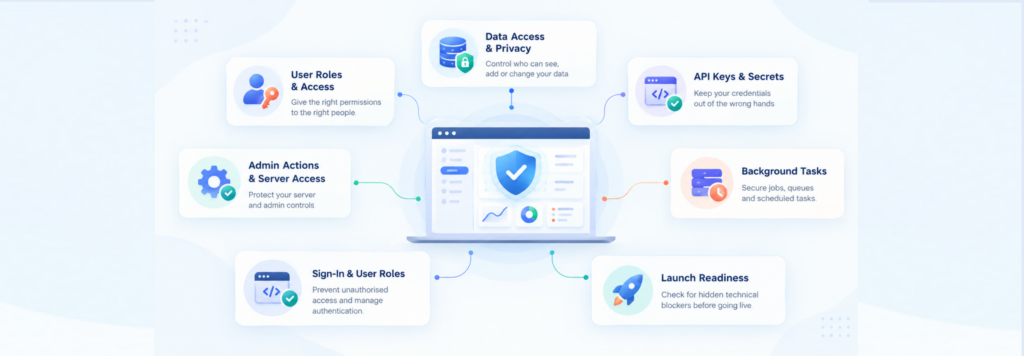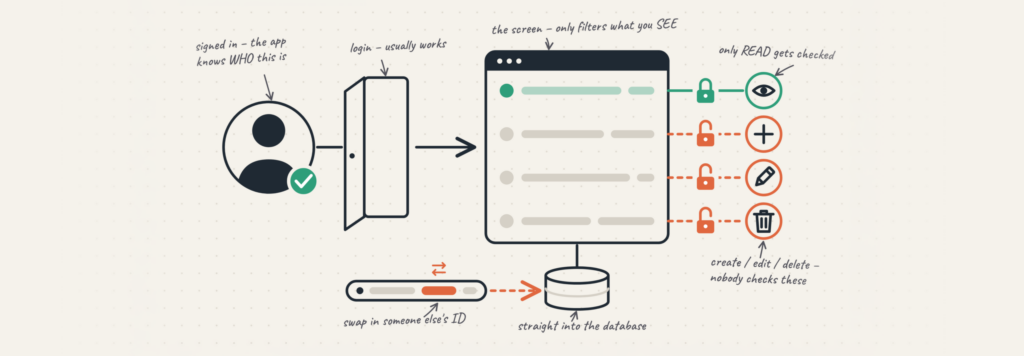
AI has become the best partner to start from a mere idea and go surprisingly far, so that it can feel like you have reached the final destination! Features appear on the screen, the flows make sense, and it can feel like the hard part is behind you. Though if you have worked with AI, you might agree that we often see the hard part later. At times, it can be too late, too!
A code that works in a demo can behave differently when real users, data, and traffic enter the picture. Some problems stay hidden until someone tries something you didn’t expect, or until the app has to handle more than a handful of users at once.
This doesn’t mean that the AI-generated app you have built is completely bad. It means AI is very good at getting code to run, but it still misses things that matter deeply. We’ve seen the same gaps show up again and again.
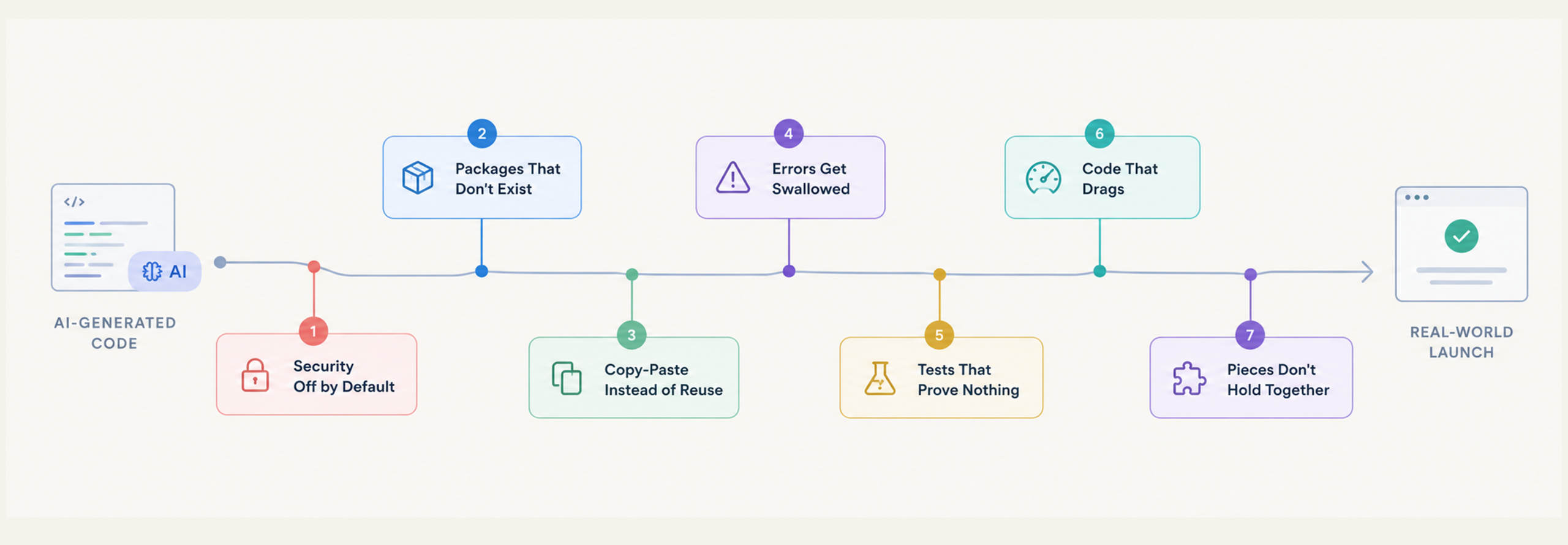
7 common gaps and what to review in AI-generated code
1. Security that’s switched off by default
When we ask AI to build something, it usually focuses on making the feature work. Security doesn’t always get the same attention. Veracode tested more than 150 models in spring 2026 and found only 55% of tasks produced secure code. That number stayed flat even as the models improved elsewhere. 86% of samples failed to defend against cross-site scripting, which can let an attacker run their own code inside your users’ browsers. Georgia Tech traced 35 real vulnerabilities to AI-written code in March alone, up from six in January.
What we look for: user input that reaches your database or page without being checked first.
2. Packages that don’t exist
AI can even invent software packages when you ask it to just add a feature. A 2026 study testing five leading models found that they made up package names 5–6% of the time. Across the five models, researchers found 127 fake names they had independently invented. More than 50 were still available to register on PyPI and npm, public registries where developers find and install software packages, months later. If someone registers one of those names first, an AI agent that installs packages automatically could download their code, mistaking it for the real thing.
What we look for: something that might break, even before we hit deploy.
3. Copy-paste instead of reuse
AI often rewrites logic that already exists instead of reusing it. GitClear’s analysis of 623 million code changes found that duplicated code rose 81% through 2026, while code moved and reused dropped sharply. The more duplicates a codebase has, the more places developers must update when something changes. Miss one, and an old bug can return. Over time, these small inconsistencies make AI-generated code harder to maintain.
What we look for: logic that should remain at the core but is built over again and again.
4. Errors that get brushed under the carpet
AI-generated code sometimes catches an error and then does nothing with it. The same 2026 study found this pattern increased by 47%. The app may stop crashing, but that doesn’t mean the problem is fixed. It just means the error that could have helped us find the real cause is now hidden.
What we look for: an empty catch block that hides the error instead of handling it.
5. Passing tests that prove nothing
AI can make tests pass without checking whether a feature actually works. It might hardcode the expected result or change the test to match the code. SpecBench found in 2026 that models could pass every visible test and still miss the actual requirement, especially as tasks became more complex. Passing tests are a good sign, but we need to check what they actually verify.
What we look for: a test that confirms an output exists without checking whether it’s correct.
6. Code that works, but is super slow!
AI can write code that works but still runs slowly. A 2026 study in Empirical Software Engineering found that code generated by Copilot, CodeLlama, and DeepSeek-Coder was often slower than code written by humans. Common reasons include inefficient loops, unnecessary function calls, and choosing the wrong approach. Even a bigger AI model doesn’t always solve the problem.
What we look for: the query that works well with ten users but slows down when ten thousand arrive.
7. The pieces don’t work well together
Individual functions can work perfectly and still fail when connected. Google’s DORA research highlights the trade-off: AI helps teams move faster, but failures and rework can rise too. A separate large-scale study of AI-written code changes found more than 100,000 surviving issues by February 2026, while 30% of developers say they don’t trust AI-generated code. The trouble often starts where different parts of an app meet.
What we look for: how your sign-up, payments, and database work together when real users arrive and traffic grows.
It works. Now it has to hold.
Look closely at all seven, and you’ll spot a pattern: the code runs, and the demo works. The real problems show up later, when more users come in, traffic grows, or someone does something the code wasn’t built to handle. It doesn’t mean you failed. AI took your idea and brought it to life. It just can’t reliably tell you whether it will keep working smoothly when the conditions change.
That’s where a human review helps. We can take each of these blind spots and turn it into something you can check before it becomes a problem. You don’t have to be the only person who understands what is keeping your app standing.
Talk to a Rubico engineer about what’s under the hood.